I was looking for way to help younger students (about 2nd grade or so) understand how to look for the Non Fiction book topics they want. I came across this video on YouTube that I think breaks it down a little with fun illustrations that might hold their attention and get them to think about it a little. I will still probably pause it as we watch it to talk more about each 100's section, but it is a neat little clip to get the conversation going better than just me standing and talking to them about numbers!
Here is the video:
How do you teach your kids to find books?
Showing posts with label Recordings. Show all posts
Showing posts with label Recordings. Show all posts
Wednesday, September 19, 2012


Wednesday, September 12, 2012
Virtual Author Visit on Your Own Schedule!
 |
| Skyping with us last year |
Friday, August 31, 2012
Using Videos to Teach Procedures
I decided that it might be both more entertaining and more consistent to use some pre-made videos of how to do some of our library procedures. Our mascot is Caleb the Croc, and I asked him to help me make the videos so they would be more timeless for the students. He was very kind in willing to help! I am planning to not only show these to students, but also post them on the media center website so that new students can see how to do different things in our media center. I can also use them to review procedures later in the year if needed.
I made a short video of things like returning books, using a browsing stick, how to get books that are on hold, using Destiny, and checking out books and magazines. Here is the one about using Destiny so you can see an example. Thanks Caleb!
How do you help your students learn and review procedures?
I made a short video of things like returning books, using a browsing stick, how to get books that are on hold, using Destiny, and checking out books and magazines. Here is the one about using Destiny so you can see an example. Thanks Caleb!
Tuesday, May 8, 2012
Solar System Stories
I promised an update on our solar system stories and here it is! About half of my 3rd grade classes have finished narrating their stories, the other half will be over the rest of this week, but here are a couple examples of what I have been talking about!
Didn't they do a great job? Here are some photos from the recording session. I would definitely do this project again, but try to get the kids to use more of the information they researched in the story itself. I have to give credit to Jessica Moore and Winter Park Elementary School for the idea. I went to a session at NCSLMA about her digital story and that is what inspired me to give this a try! Thanks for sharing with us Winter Park!


 |
| Mrs. Hentz filling in for absent students |


 |
| Finished Product! |
Thursday, December 8, 2011
Recordings of Christmas Past
The Library of Congress Jukebox is a collection of historical recordings, mostly from record labels now owned by Sony music who granted permission for the LOC to stream them to the public free of charge. Over 10,000 recordings made between 1910 and 1925 can be found here. They were recorded by the Victor Talking Machine Company, which used large horns to gather the sound and etch it onto wax discs. Find out more about the project here and more about the process of recording here.
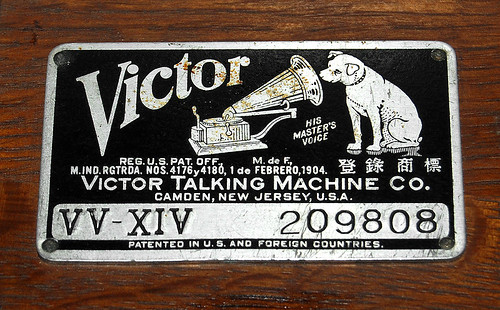
Photo Source
All of this brings me to a current use for the Jukebox, Christmas recordings. If you do a search on the Jukebox for Christmas, you get quite a few results. These range from spoken recordings of the Night Before Christmas to The Newsboys Christmas to bible readings and carols. It is a neat way to bring the past into the classroom in a quick way. They even sound like ghosts of Christmas past with the recording scratches and static in the background.
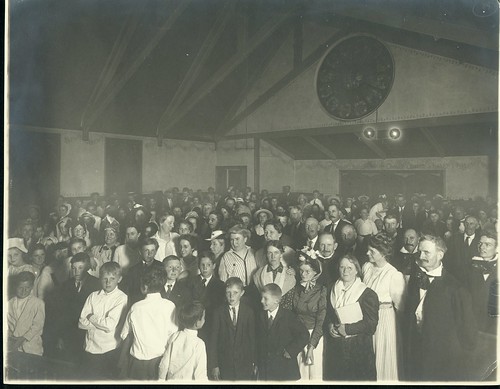
Photo Source
This is also a good way to talk about technology advances, changes in how we communicate, and ways things have stayed the same as well. Showing students a picture of how recordings were made and discussing the process is sure to surprise them. I have no doubt they will be able to tell you several different and easier ways to record in our current day.
Don't wait for your perfect Christmas unit to utilize the jukebox though, you can browse by artists, genres, or playlists plus there are search and advanced search options. Find something for your students today, have them close their eyes, listen, and be transported to the past. Don't forget to also search for an image of the artist to show students who they are listening to.
Photo Source
All of this brings me to a current use for the Jukebox, Christmas recordings. If you do a search on the Jukebox for Christmas, you get quite a few results. These range from spoken recordings of the Night Before Christmas to The Newsboys Christmas to bible readings and carols. It is a neat way to bring the past into the classroom in a quick way. They even sound like ghosts of Christmas past with the recording scratches and static in the background.
Photo Source
This is also a good way to talk about technology advances, changes in how we communicate, and ways things have stayed the same as well. Showing students a picture of how recordings were made and discussing the process is sure to surprise them. I have no doubt they will be able to tell you several different and easier ways to record in our current day.
Don't wait for your perfect Christmas unit to utilize the jukebox though, you can browse by artists, genres, or playlists plus there are search and advanced search options. Find something for your students today, have them close their eyes, listen, and be transported to the past. Don't forget to also search for an image of the artist to show students who they are listening to.
Subscribe to:
Comments (Atom)